Itinerary Export: Client-Ready Documents in One Click
A polished PDF, a share link, or a magic link the client opens without an account. How itinerary export turns a voyage into a deliverable.
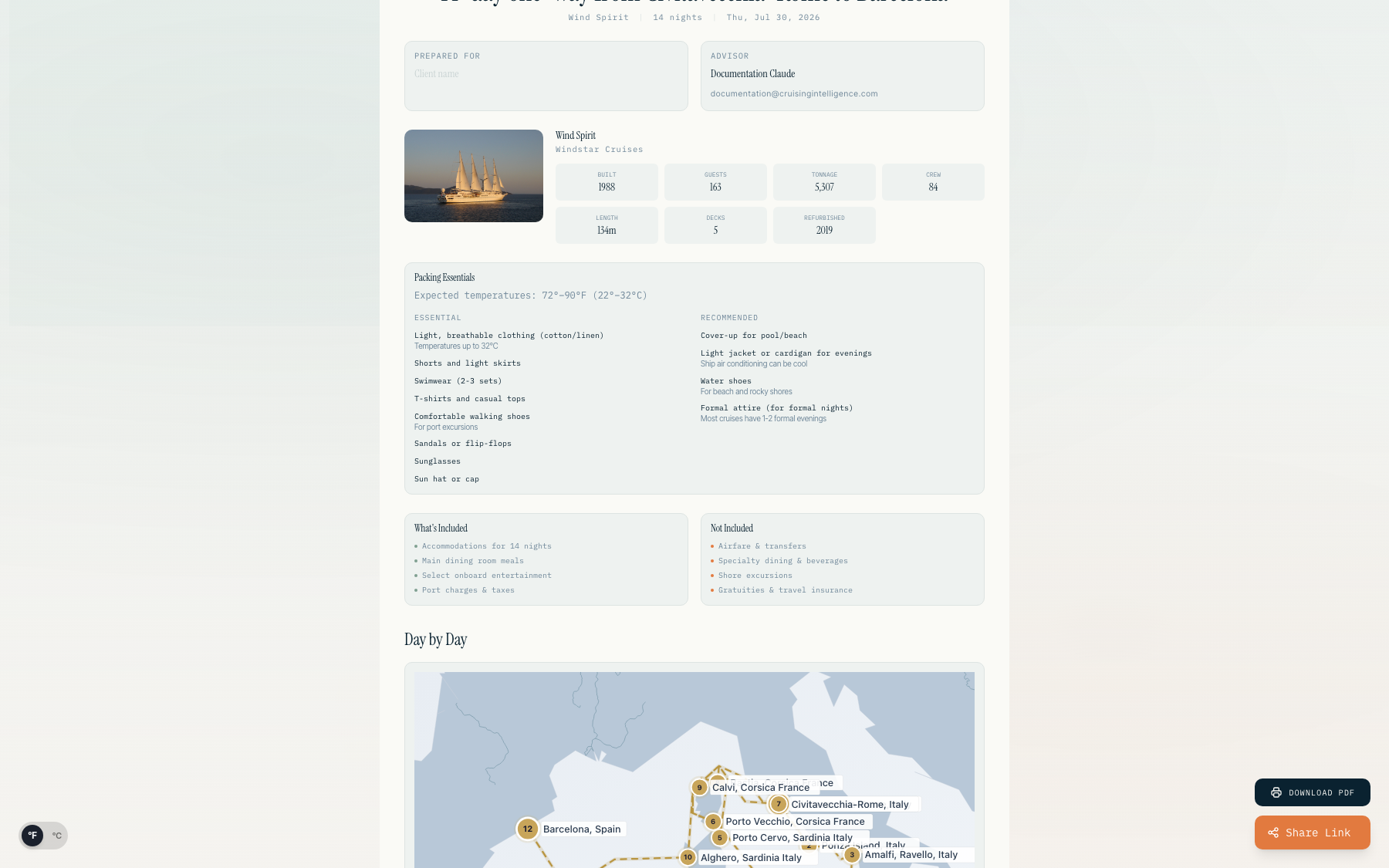
The deliverable closes the deal
You've done the research. You've matched the client. Now you need to hand them something — a document that looks like it came from a professional, not a printout of a web page.
Itinerary export turns a voyage into a client-ready deliverable in one click.
Three ways to deliver it
PDF export — a polished, branded, complete document. Not a printout. Something you'd be proud to put your name on.
Share link — send a URL instead of an attachment when that suits the conversation.
Magic links — the client opens the full itinerary without creating an account. The link is the access. Nothing to install, no password to forget.
What's inside
Day-by-day — every leg of the voyage, in order, with port times and sea days marked.
Port guides & packing — each stop briefed from port intelligence, plus a packing list tuned to the route's weather.
The route map, the ship details, the inclusions — everything the client needs to say yes, in one document.
The value
The moment a client holds a polished itinerary with their name on it, the booking stops being hypothetical. It becomes a thing they're holding. Export turns your research into that moment.
Export your first itinerary on your 14-day free trial. No card required.